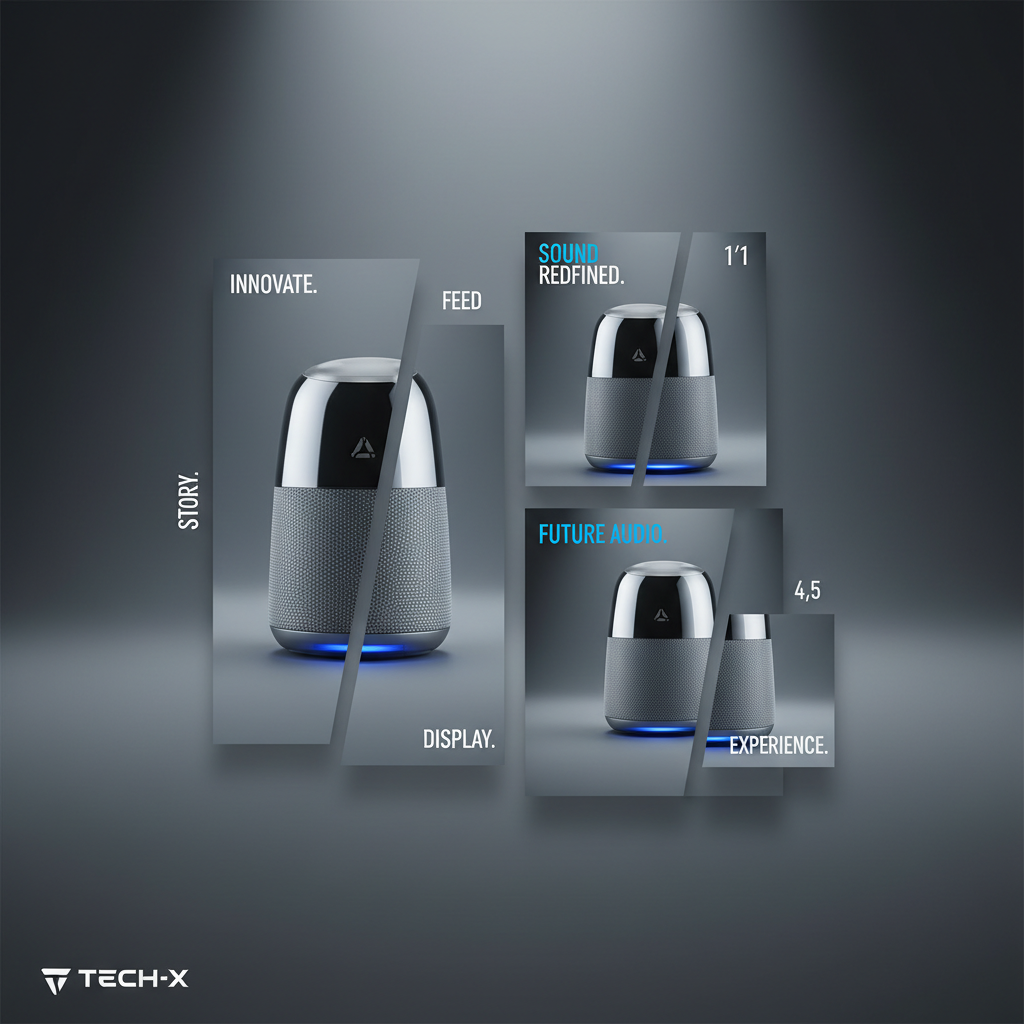
The slowest part of listing a new product on Coupang or Smart Store usually isn't the form — it's having no decent image to put in it. So the listing sits half-done, or goes up with a bare phone snapshot that quietly drags the click-through down. Here's a routine that fits in the gap before you register, start to finish in about ten minutes.
Minutes 0–3: one good source photo
Set the product by a window, kill the ceiling light so colors don't mix, and shoot straight on against a plain wall. You're not making the final image here — just a sharp, evenly lit photo where the label is readable. One frame is enough.
Minutes 3–6: pick a scene and a couple of variations
Upload it to Jlily and choose a scene that suits the category — a wood counter for kitchenware, soft morning light for skincare, a clean sweep for gadgets. Generate two or three variations so you have something to choose between instead of betting the listing on your first guess.
Minutes 6–10: batch every size and download
- Pick the winning variation and check the label at full zoom.
- Render it into the sizes you need — Smart Store and Coupang 1:1 mains, Instagram feed and story — in one batch.
- Download the set, drop the main into the listing, and hit register.
The listing that used to wait on a photoshoot now waits on a coffee.
The point of fixing the routine is that the second product is faster than the first. Once the steps are muscle memory, a new SKU goes from box to live listing in a single sitting — no booking, no backlog of half-done listings waiting on creative.
Run the ten-minute routine on your next SKU — start free.
Start free