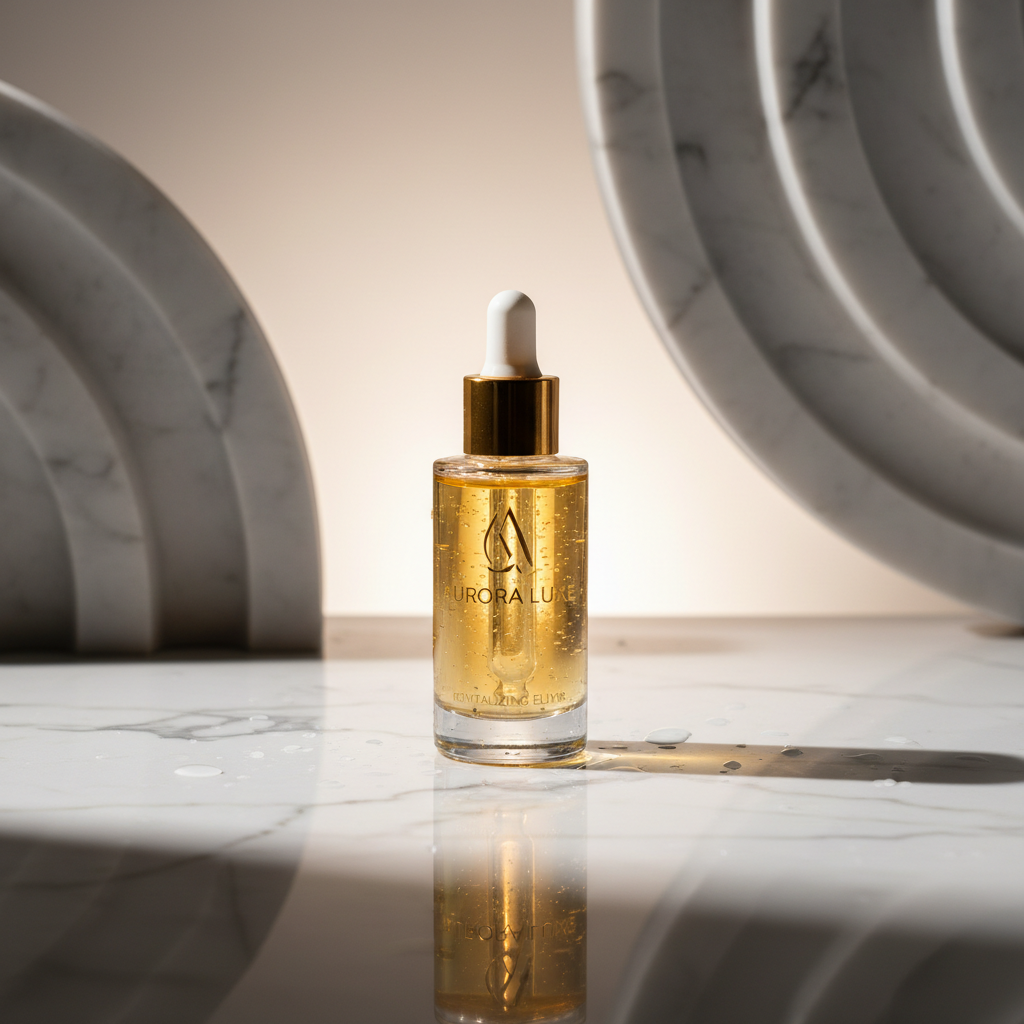
"AI product photography" gets used to mean two completely different things, and the gap between them is the difference between a usable catalog and a pile of pretty fakes. The first kind generates an entirely new product from a text prompt. The second takes the real photo you already have and places it into a believable scene. If you sell a physical product, only the second kind is safe to ship.
What AI product photography actually does well
- Replaces the background: turns a desk snapshot into a marble counter, a café table, or a clean studio sweep.
- Adds realistic lighting and contact shadows so the product sits in the scene instead of floating.
- Produces variations fast — five scenes in the time it takes to book one shoot.
- Outputs every platform size from a single source, so nothing gets cropped by hand.
Where it falls down
AI is not a replacement for a clear source photo. If your label is blurry or the product is half in shadow, the result inherits those problems. It also can't invent a side of the product you never photographed — feed it the front and you get the front. The job of the tool is to restyle what you give it, not to imagine the parts you didn't.
Good in, styled out. The AI restyles your product — it shouldn't redraw it.
Jlily is built on the editing path: your label, color, and shape pass through untouched while only the scene changes. That's the whole reason a result looks shot rather than generated. Upload one product, generate a scene, and zoom in on the label — if it's still your product, you've found a tool you can actually build a catalog on.
Try AI product photography on your own SKU — free credits to start.
Try it free