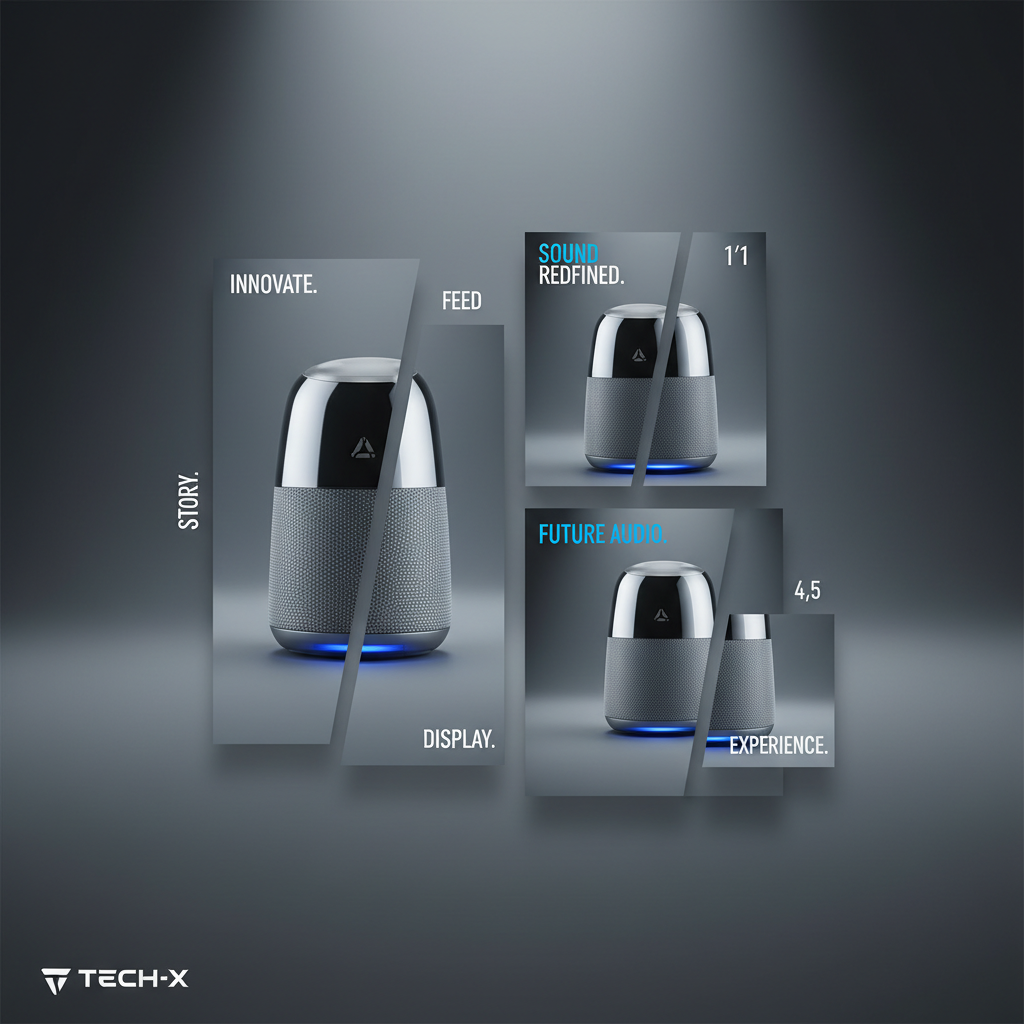
Running one product across Smart Store, Coupang, and Instagram means juggling square thumbnails, vertical stories, and wide banners — each at its own resolution. Resize by eye and your hero shot ends up with the logo cut off or the product floating off-center.
Naver Smart Store
- Main product image: 1:1 square, 1000×1000 px or larger.
- Keep text under a quarter of the frame — heavy text overlays hurt search exposure.
- Detail page body: 860 px wide is the safe content width.
Coupang
- Representative image: 1:1, white or near-white background required.
- At least 1000 px on the short side so zoom stays crisp.
- Keep the product centered with a little breathing room — the grid crops edges hard.
- Feed square: 1080×1080. Feed portrait: 1080×1350 — portrait takes more screen, so it usually wins.
- Story and Reels: 1080×1920 vertical.
- Leave the top and bottom 250 px clear on stories so UI buttons don't cover the product.
Same product, four ratios, three channels — and not one of them shares a spec.
This is the chore that quietly eats an afternoon every launch. Jlily renders one scene into every size at once — Smart Store square, Coupang main, Instagram feed and story — each at the exact dimensions the channel expects, ready to download and upload.
Render one product into every Korean platform size at once.
Try it free