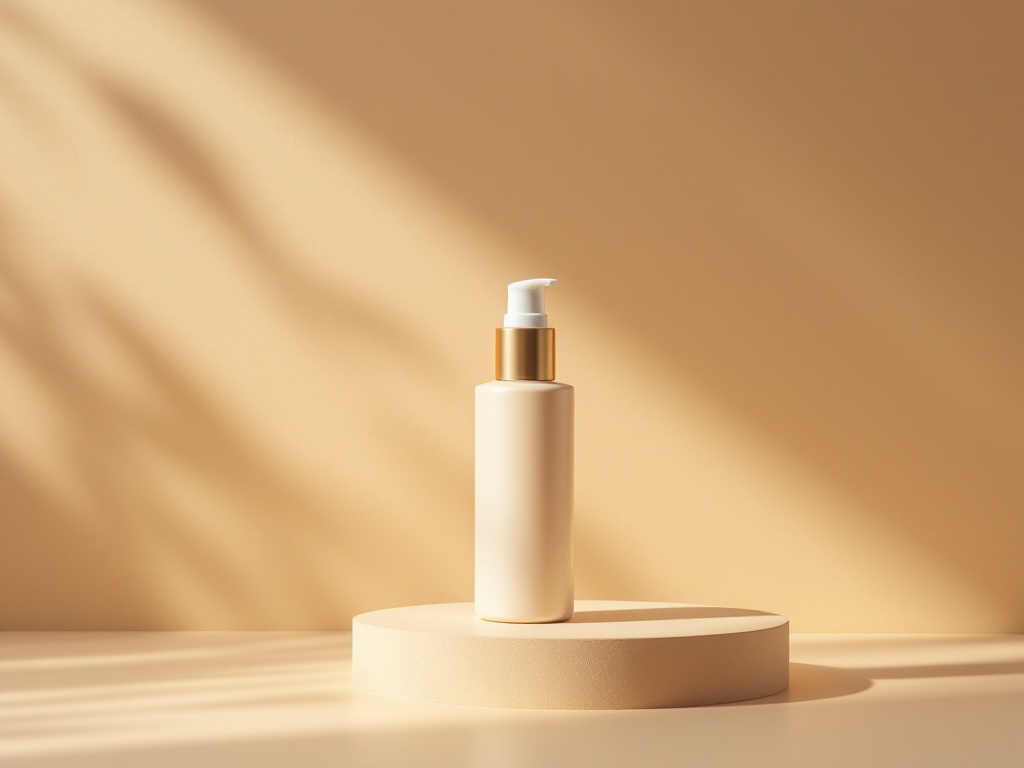
On Smart Store, two images do almost all the work: the main thumbnail that has to win the tap inside a packed search grid, and the detail page that has to convince the shopper once they're in. They demand different things, and most sellers optimize one and neglect the other.
The main thumbnail: win the tap
- Crop tight — on a phone the thumbnail is the size of a stamp, so fill the frame with the product.
- Keep text overlays minimal; heavy text can hurt search exposure and clutters a small image.
- Use side light so texture survives Naver's re-compression instead of turning into a flat blob.
- A believable scene behind the product reads as a brand, not a random listing.
The detail page: close the sale
Korean shoppers scroll long detail pages and expect to see the product from several angles, in use, and at real scale before they trust the buy button. Mix clean cuts that show the product plainly with lifestyle scenes that show it belonging somewhere — a diffuser on a nightstand, a mug on a café counter. Keep the 860 px content width and a consistent look top to bottom.
The thumbnail earns the click; the detail page earns the order.
Jlily gives you both from one product upload: a tight, scene-backed main thumbnail and a set of matching lifestyle cuts for the detail page — all in the same light and tone, with your real label and color intact. The whole page ends up looking like one coherent shoot, because it came from one.
Make a thumbnail and a detail page from one photo — start free.
Start free