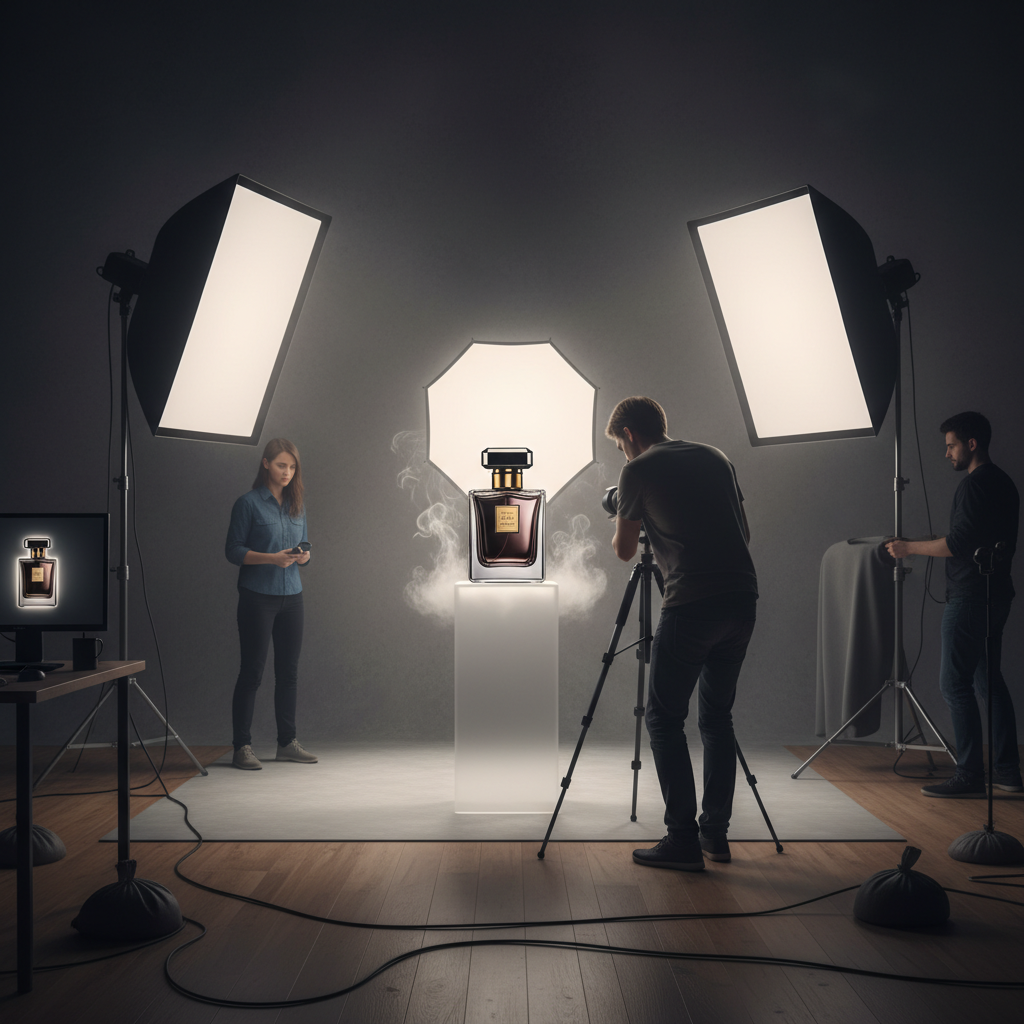
Most sellers who hesitate on AI photos have seen the bad version: you upload your serum bottle and get back a slick image of a bottle that isn't yours — the label rewritten into gibberish, the cap a different shape, the color half a shade off. For a real product you actually ship, that's not a photo, it's a fake.
Two very different tools look the same
The catch is that the model that redraws your product and the model that preserves it both call themselves "AI image." A text-to-image model reads your photo as a hint and paints a brand-new bottle from scratch. An image-editing model keeps your actual pixels and changes only the world behind them. They look identical in a demo and behave completely differently on your real SKU.
Jlily runs on the editing path on purpose. Your label, color, and shape are carried through untouched, and the model only composites that product into a studio scene. We even lock a seed per generation so a look you liked comes back the same instead of rerolling into a new bottle every time.
How to check fidelity yourself
- Read the label: every character on the result should match your real packaging, not blurred lookalike text.
- Match the color against your actual product, not against your memory of it — pull them up side by side.
- Check the silhouette: cap, neck, and proportions should trace your original, not a generic stock bottle.
- Look for a clean contact shadow where the product meets the surface — a pasted cutout floats.
If the label reads wrong, nothing else about the photo matters.
The honest test costs you nothing: upload one product you know by heart, generate a scene, and zoom all the way in on the label. If it's your product, you'll know in two seconds. That's the whole reason we built on the editing path instead of the prettier-looking one.
Upload one product and zoom in on the label — free credits to start.
Try it free