Cut out and replace the background, in one step
Cutting out the product takes half a day; blending it into a background takes another. Get the shadow or light direction wrong and it screams 'composite.' Jlily does the cut-out and the background in one pass, matching shadow and lighting so it actually blends.
Proof
We show you the result
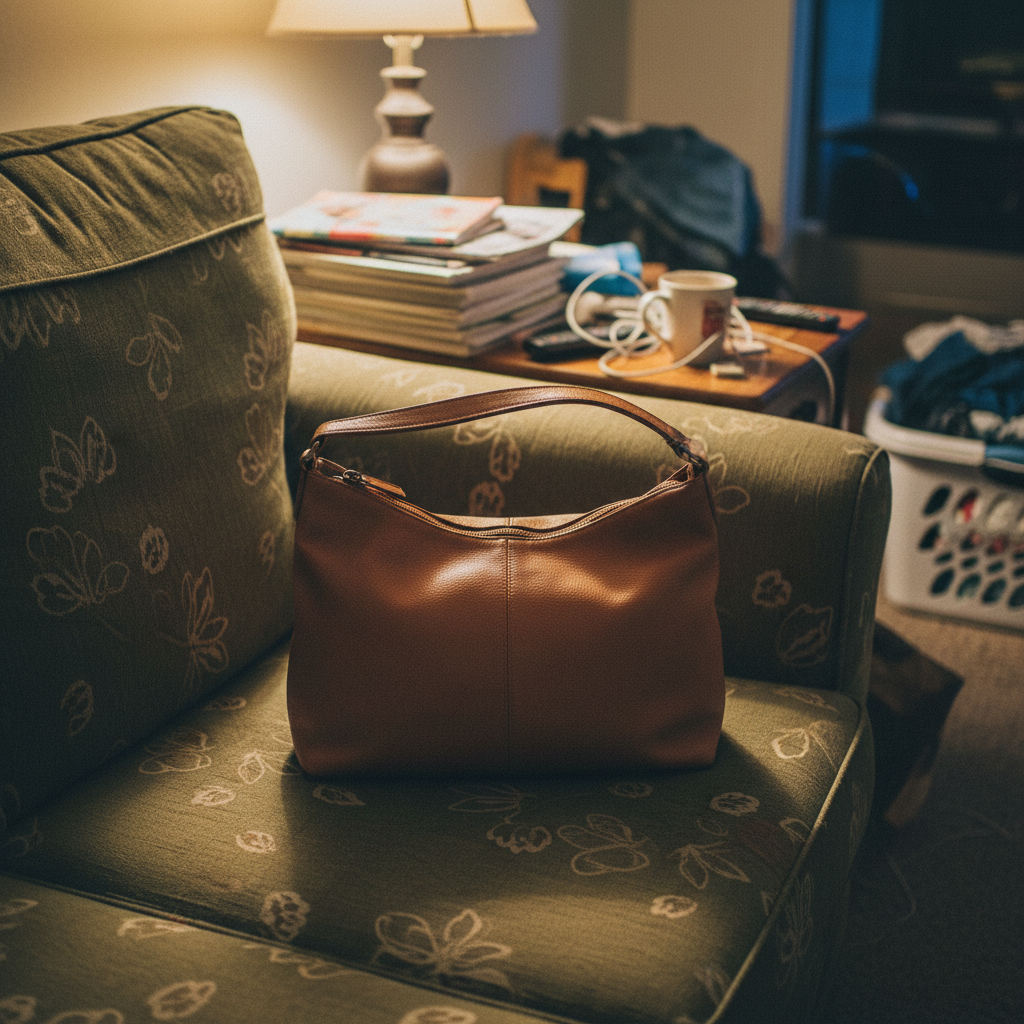

Why Jlily
Why this gets faster
Cut-out + composite in one
No separate cut-out step — the product lands on the new background directly.
Natural shadow & light
Shadow and reflection match the background's light, so it doesn't look pasted.
No Photoshop
No layers, no masking — upload and pick a background.
Any product
Cosmetics, food, electronics — any category, the same flow.
Three steps for this use case
How it works
Upload the product
Busy background? We isolate the product for you.
Choose a new background
Marble, wood, white — pick the scene you want.
Get the composite
Download the result, shadows and all.
FAQ
Common questions
Will it look obviously composited?
We add shadow and reflection that match the background light, so it blends. If a result isn't right, regenerate and pick another.
Can I get a transparent (PNG) cut-out?
Today we focus on composited results. If you just need a clean cut-out, choose the white-background scene.
Jlily
Make yours now
Free credits on signup. See real output before you spend a cent — no card.