Smart Store product photos, no designer
Smart Store is won on the detail page. A blurry first cut or a busy background and even a great product gets scrolled past. But outsourcing every new SKU doesn't pencil out. Jlily turns the photo in your hand into a listing-ready shot, fast enough to keep up with your launches.
Proof
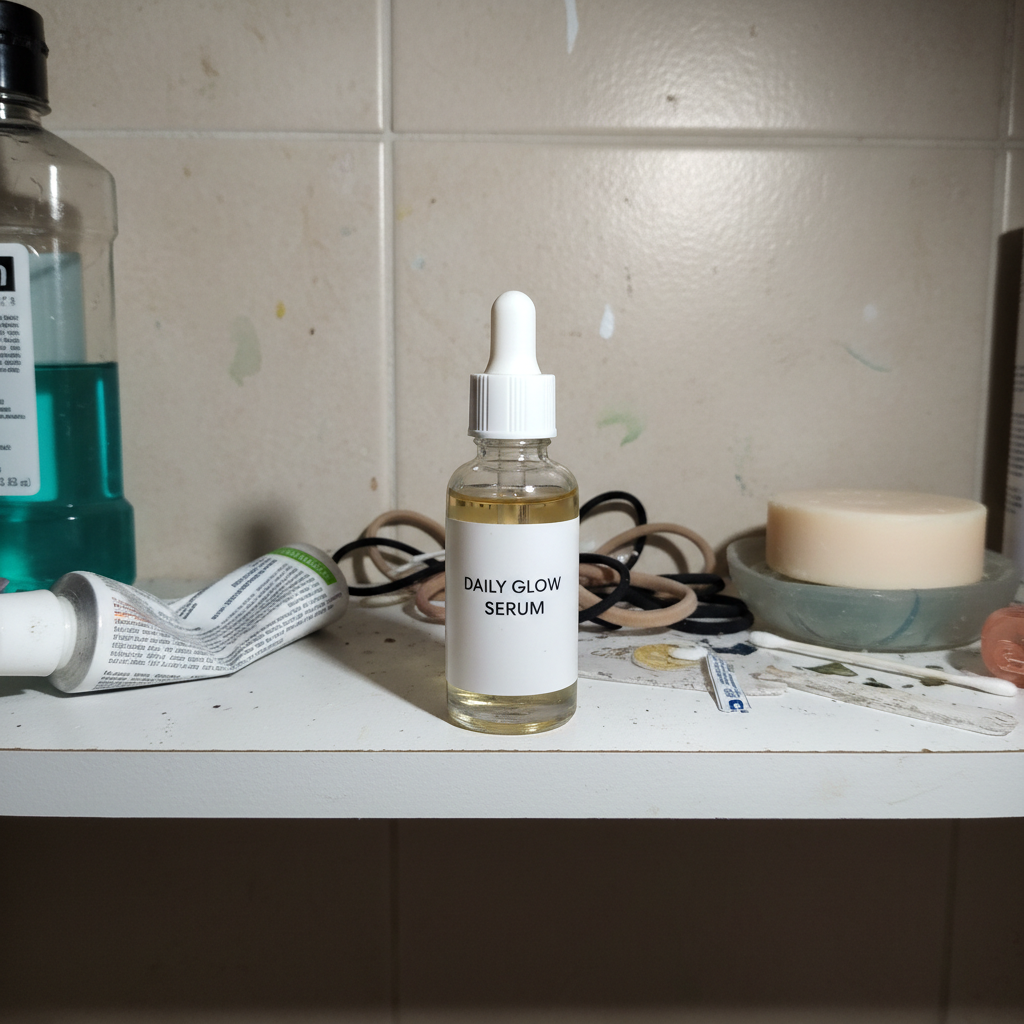
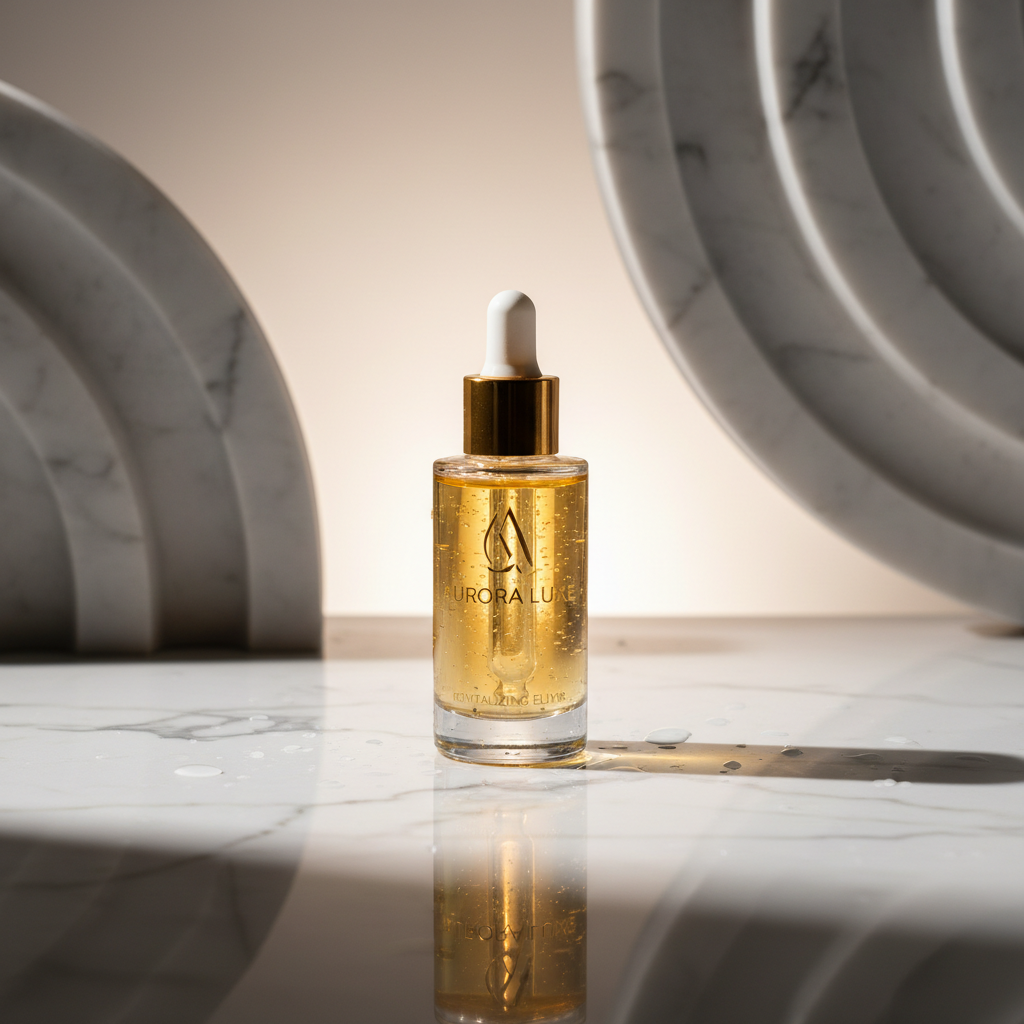
We show you the result
Why Jlily
Why this gets faster
Listing-ready
Thumbnail and detail cuts in one go — they sit naturally in your listing.
Keeps your launch pace
No shoot to schedule — the shot is ready the moment you upload.
Consistent look
Use one scene across SKUs and your whole store reads like a brand.
Compare versions
Generate white, wood, pastel and more, then keep the cut that sells.
Three steps for this use case
How it works
Upload the product
One photo you already have is enough.
Pick your store's tone
Choose a background that matches your brand and reuse it.
Drop into the listing
Export at Naver's recommended size and publish.
FAQ
Common questions
Can I keep multiple products consistent?
Yes. Reuse the same scene across products and they share one consistent tone — your store reads as a single brand.
Can I export at Naver's size?
Yes — including Naver's recommended square, plus other channel sizes in one pass.
Jlily
Make yours now
Free credits on signup. See real output before you spend a cent — no card.