Coupang thumbnails from a single photo
On Coupang, the main image decides the sale. The same product wins or loses the click on its thumbnail alone — and clicks drive your ranking. Booking a studio every time costs too much time and money. Jlily turns the photo you already have into a Coupang-ready main image.
Proof
We show you the result
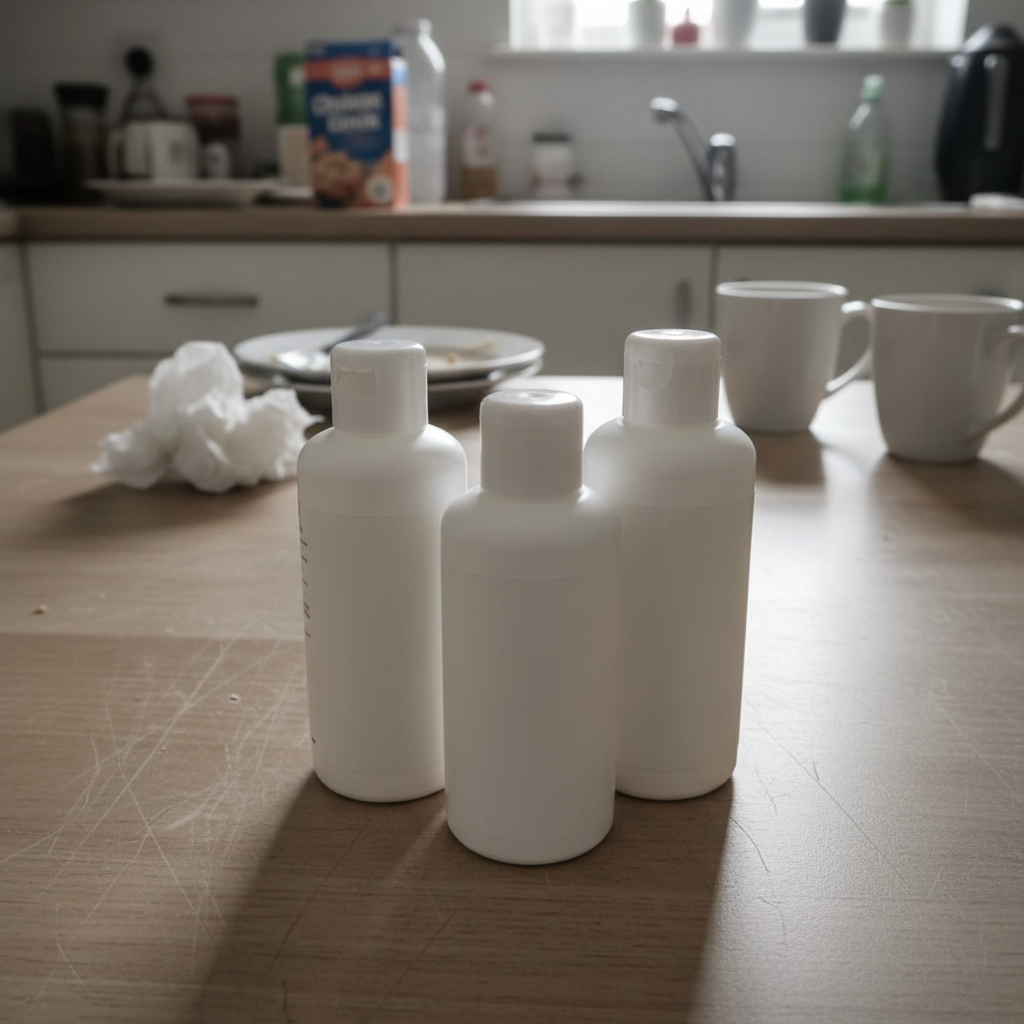
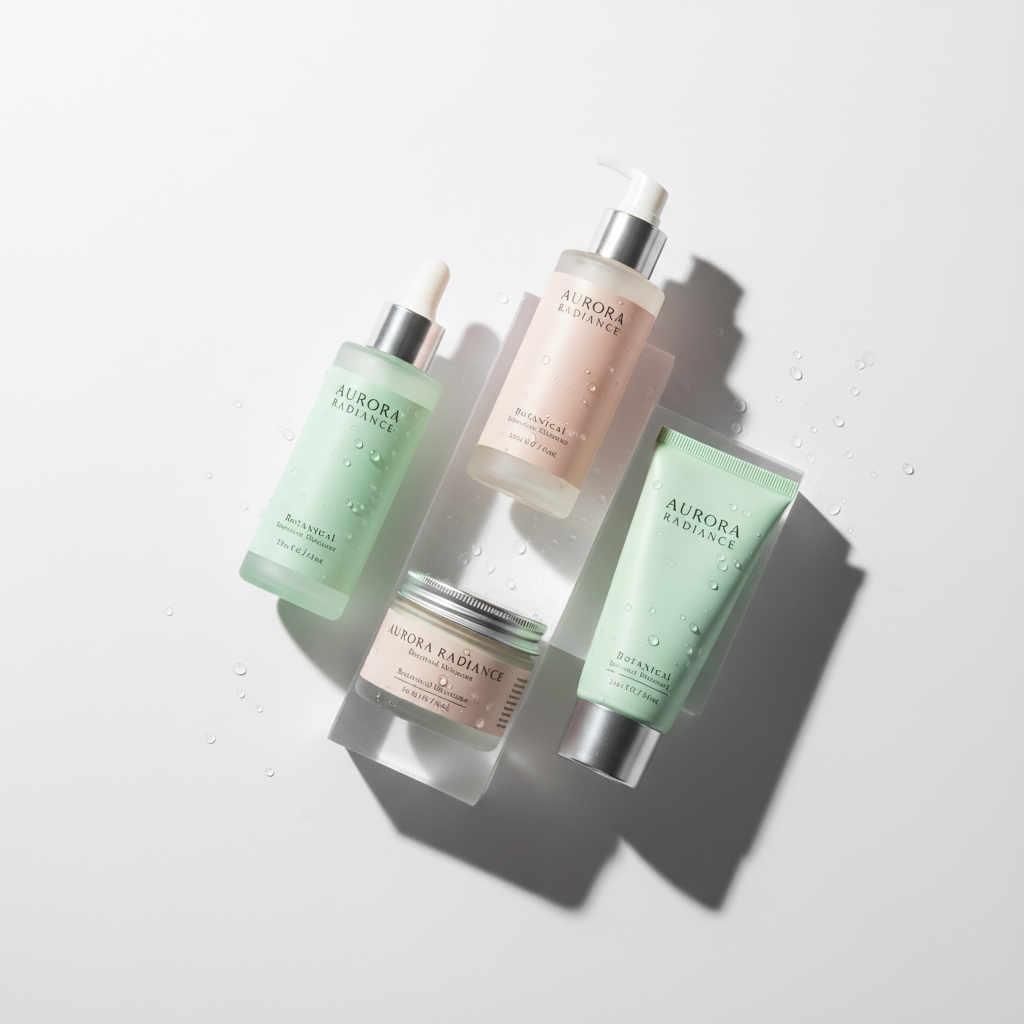
Why Jlily
Why this gets faster
Sized for Coupang, automatically
Exports straight to the 1000×1000 square main-image format. No cropping headaches, no awkward margins — just upload.
Backgrounds that get clicks
From clean white to scenes that make the product pop. Generate several versions of one product and A/B them.
Your product stays your product
We change only the background — shape, color, and logo stay true to the real item, so no 'looks different' complaints.
Start at zero shoot cost
No studio booking, no retouching outsourcing. Use the free credits you get on signup and see output first.
Three steps for this use case
How it works
Upload your product
One phone photo is enough — a messy background is fine.
Pick a scene
Choose a scene that performs on Coupang — white, marble, wood, and more.
Export at Coupang size
Download at 1000×1000 and drop it into your listing.
FAQ
Common questions
Does it fit Coupang's main-image spec?
Yes. It exports as a 1000×1000 square, matching Coupang's recommended main-image size. You can also export other channel sizes from the same photo.
Will the product look different from the real item?
We keep the product itself intact and only replace the background. If anything drifts, regenerate and pick the version you like.
Can I really try it free?
You get free credits on signup. See real output before deciding — no card required.
Jlily
Make yours now
Free credits on signup. See real output before you spend a cent — no card.