Naver Shopping main images from one photo
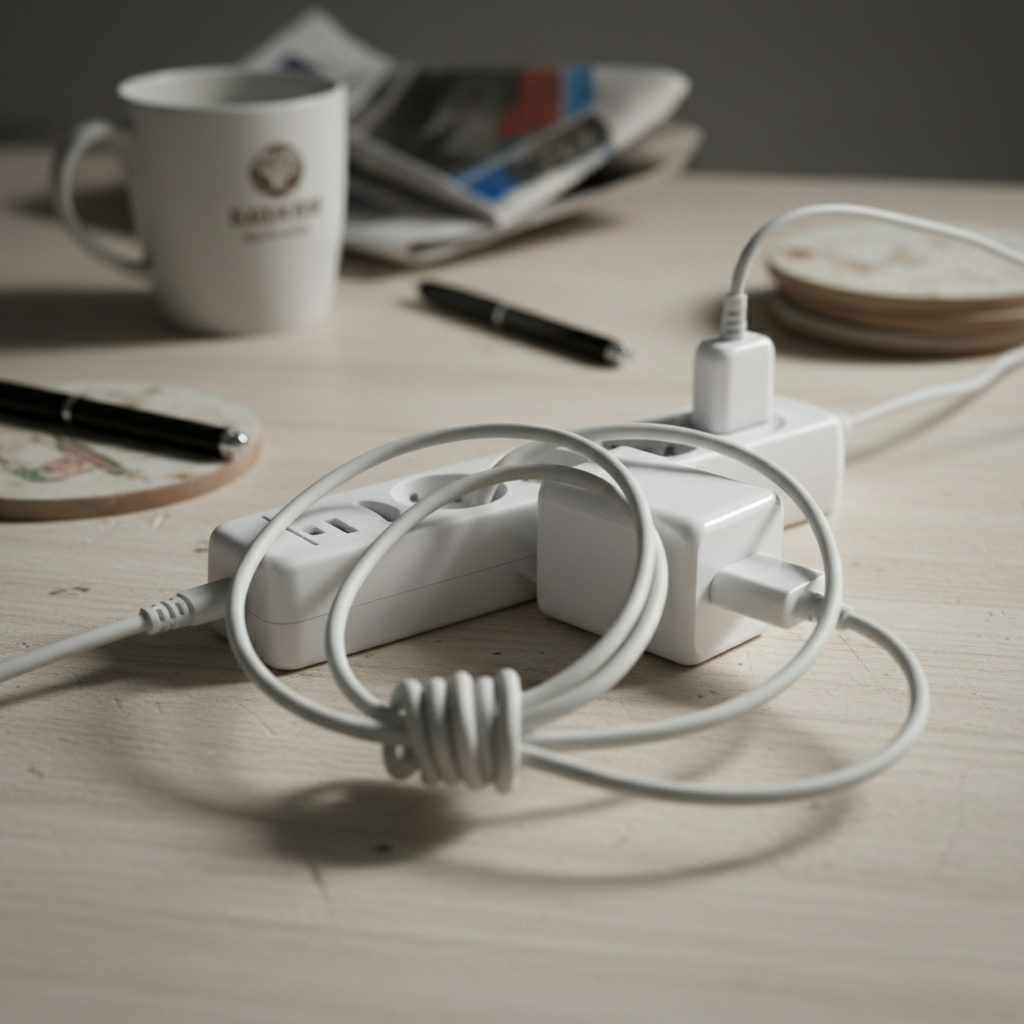
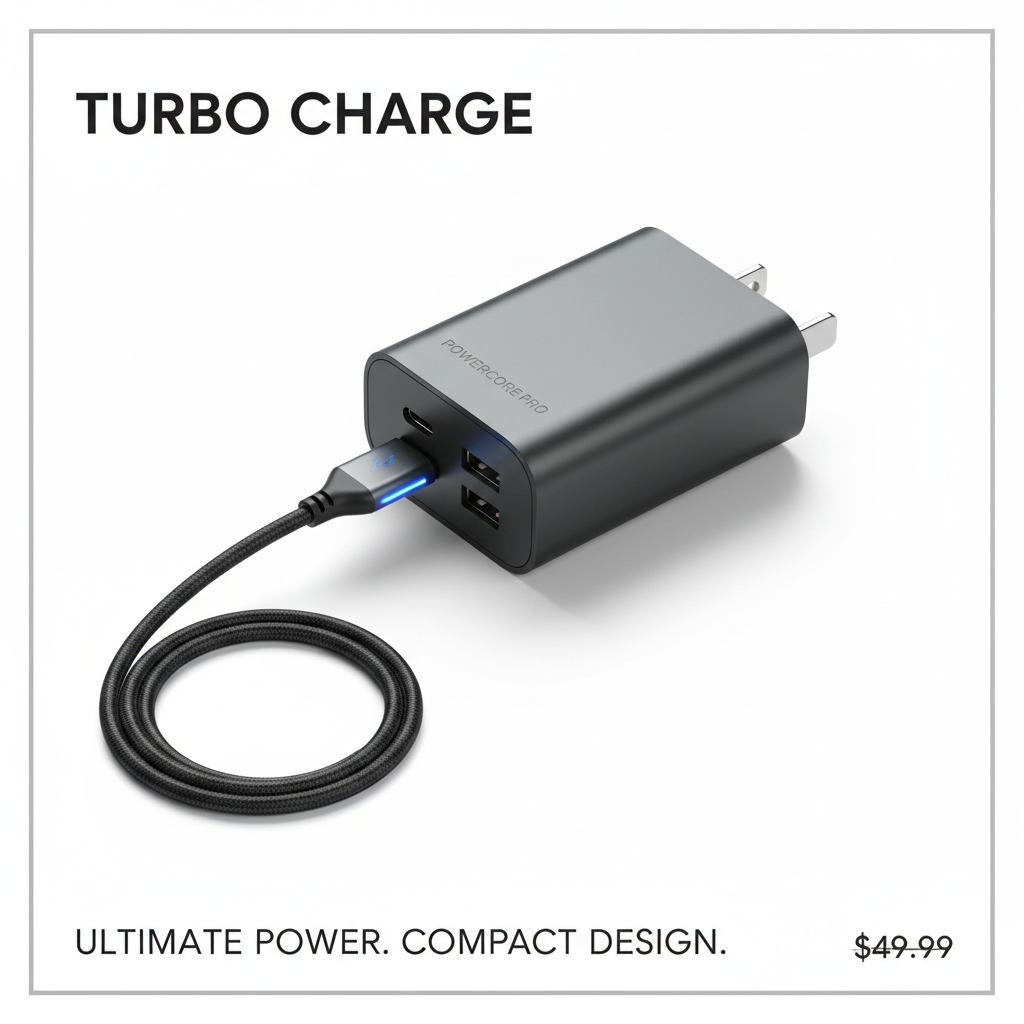
On Naver Shopping price comparison, one main image decides the click. A clean white background is recommended — but lighting and retouching to get there are a chore. Jlily turns even a cluttered photo into a tidy, spec-matching main image that shows up well in search.
Proof
We show you the result
Why Jlily
Why this gets faster
Matches the spec
Exports in Naver's recommended square, white-background form.
Stands out in search
The cleaner your main image, the more clicks it pulls from a noisy results page.
Messy originals welcome
Busy backgrounds get cleaned up automatically.
Multi-channel export
Make the Naver cut and get Coupang/Instagram sizes from the same photo.
Three steps for this use case
How it works
Upload a photo
Cluttered background is fine — just upload.
Choose white background
Pick the clean white scene Naver favors.
Export the main image
Download at the recommended size and list it.
FAQ
Common questions
Does it meet Naver's white-background guideline?
Yes — a clean white-background square, in line with Naver Shopping's main-image guidance.
Does it help with price-comparison exposure?
The main image affects click-through, and better clicks tend to help exposure follow.
Jlily
Make yours now
Free credits on signup. See real output before you spend a cent — no card.